Hundreds of Built-In Printer Drivers. One-Time Purchase. No Subscription.
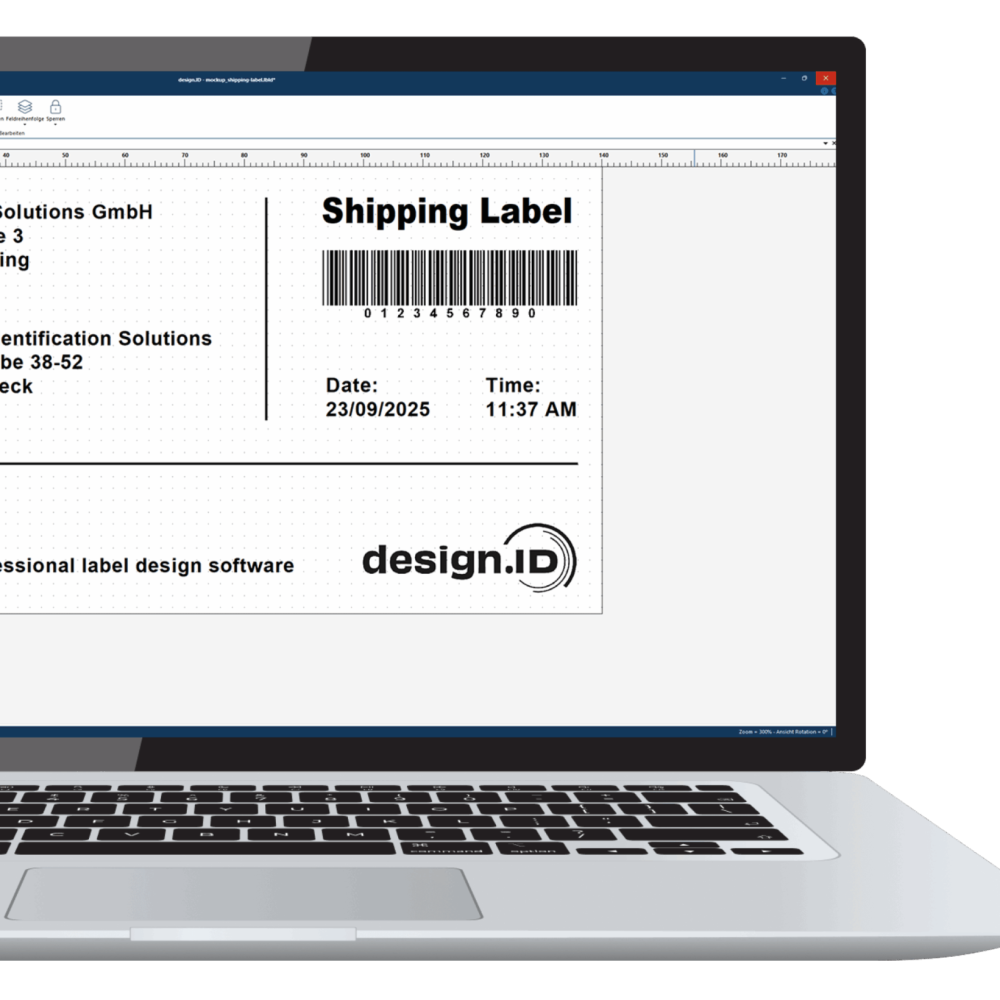
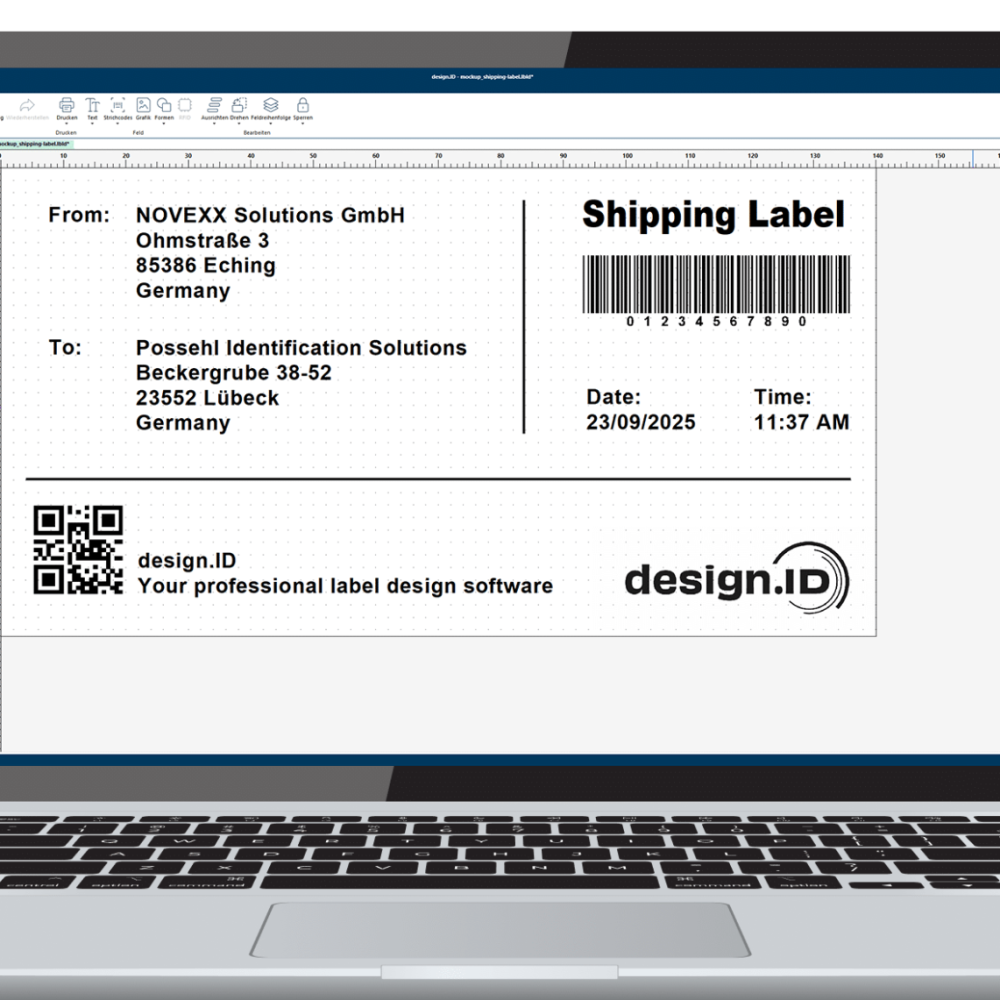
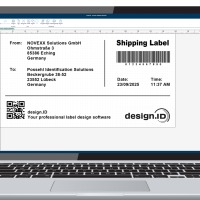
design.ID is a powerful label design and printing software tailored for businesses of all sizes, offering a user-friendly interface and advanced design tools. It supports comprehensive label customisation with text, images, shapes, and a variety of barcode formats.
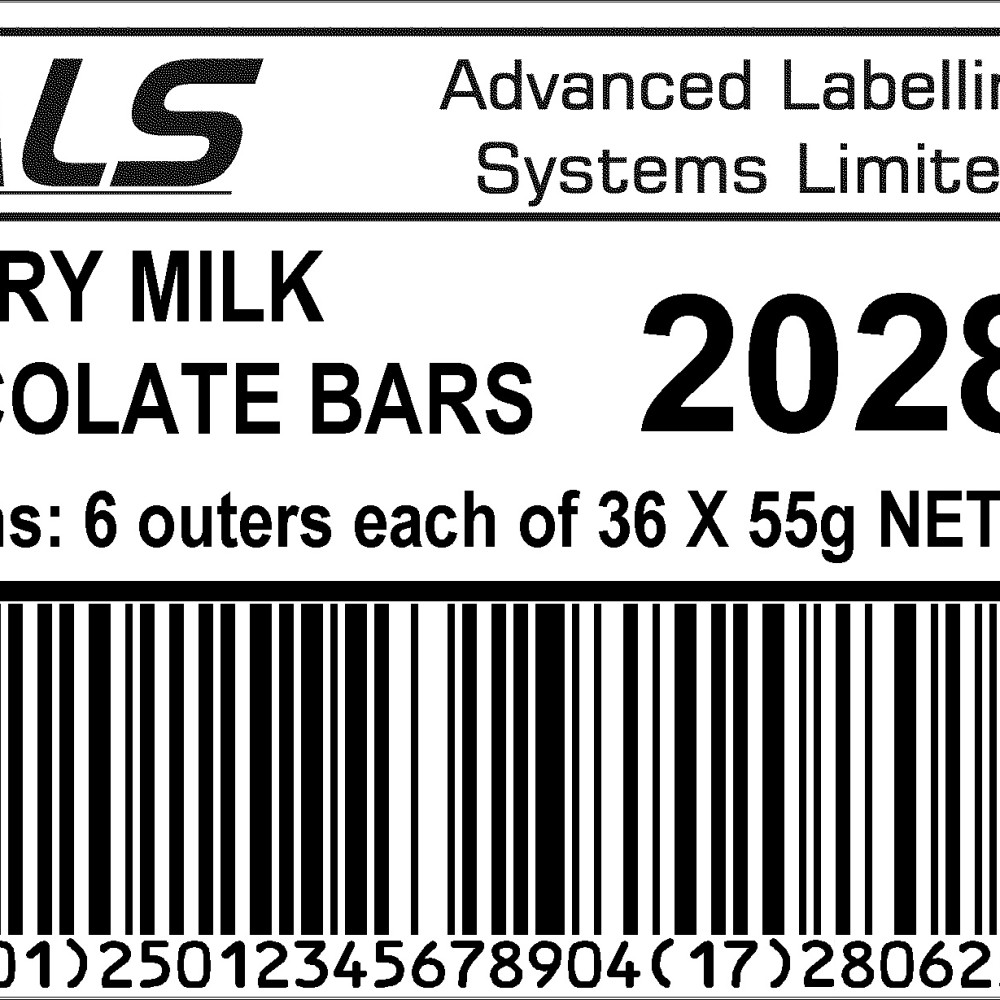
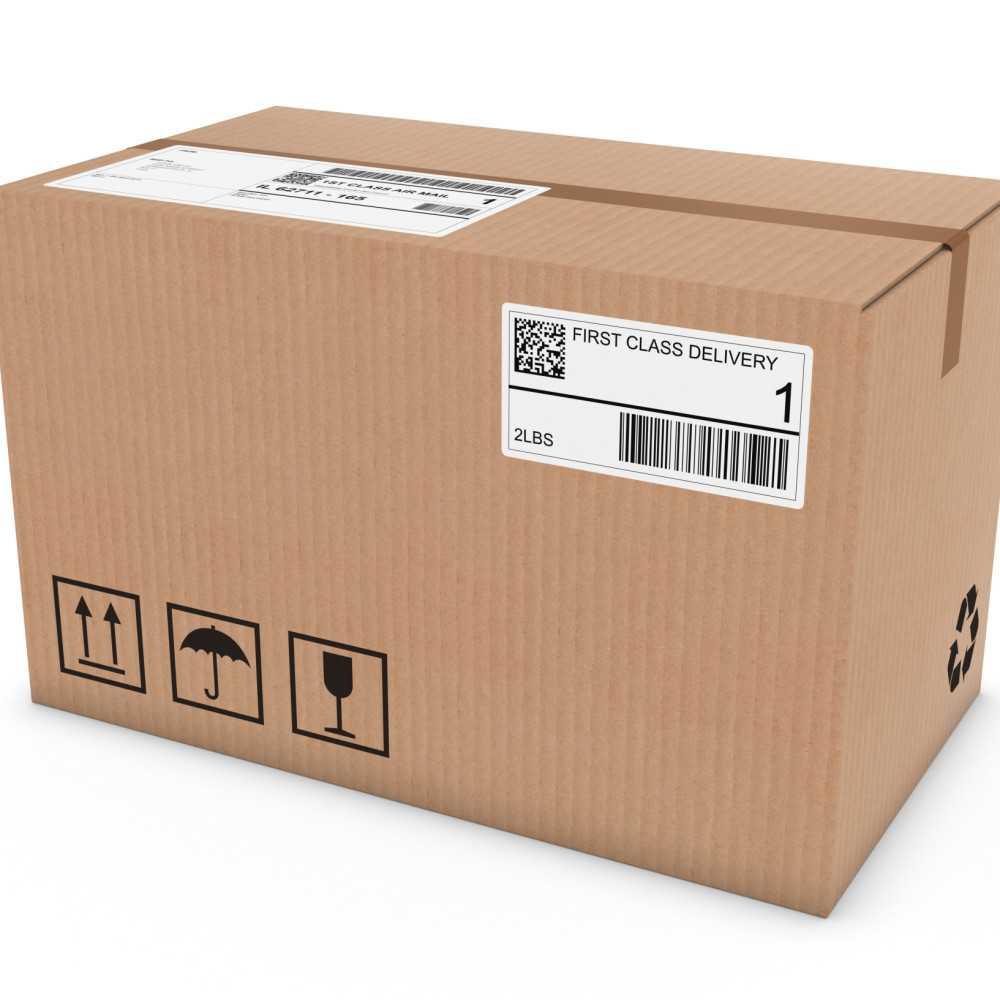
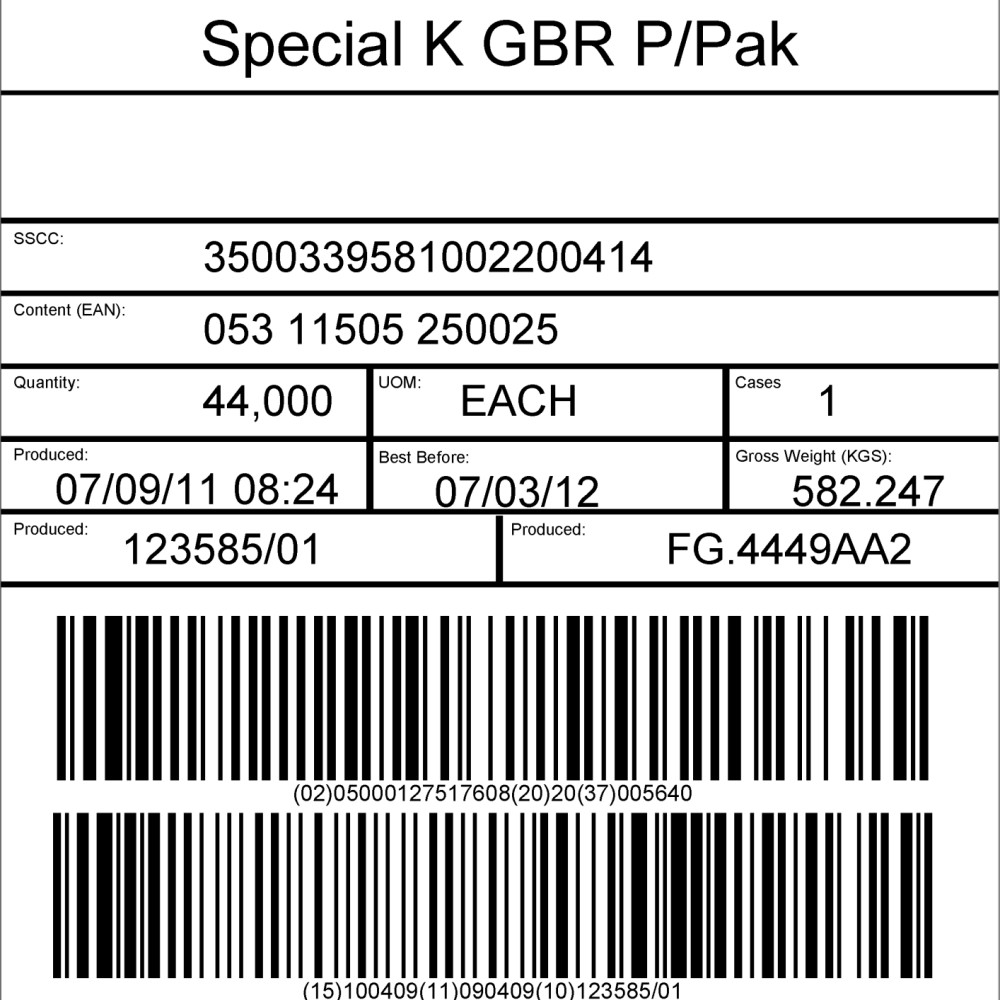
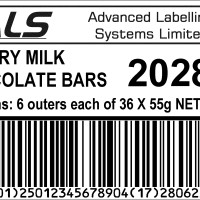
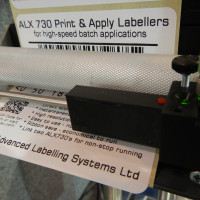
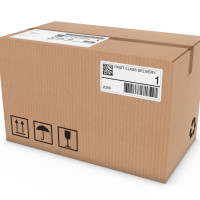
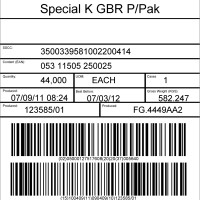
Create GS1 barcodes easily and in the knowledge they will be compliant. Standard formats included for food, shipping labels, pallets and haz-chem drums. Scale up from a benchtop printer to print & apply with ease. Share data across networks and the cloud. Keep formats locked-down and secure with password protection. Seamlessly integrate with various databases like Excel, Access, and SQL to automate your label printing process.
Licensing & Pricing: Simple. Transparent. Fair.
One-time purchase – no subscriptions, no recurring fees
One version does it all
Support for all your printers with one license
Perpetual license with unlimited usage time
Add additional, on-premise licenses as required
Free version updates when available
Easy, no-hassle license transfer from expired laptops & PCs
14-day free trial to test all features
design.ID is available exclusively in the UK through ALS
User-Friendly Interface:Navigate effortlessly through design.ID’s intuitive design. Create, edit, and print labels with ease, regardless of your technical expertise.
Comprehensive Label Design Tools:Customise your labels to perfection. Choose from a vast library of templates or create your own designs using advanced editing tools. Incorporate text, images, barcodes, and shapes seamlessly.
Database Connectivity:Simplify your data management with robust database integration. Connect to various data sources through SQL and ODBC and more, to automate and streamline your label printing process.
Barcode Generation:Generate a wide range of barcodes effortlessly. From QR codes to UPC, design.ID supports all major barcode formats, ensuring your labels meet industry standards.
Dynamic Printing Options:Enjoy the flexibility of dynamic printing. Use variable data printing to personalise labels on the fly, perfect for batch printing and mass customisation.
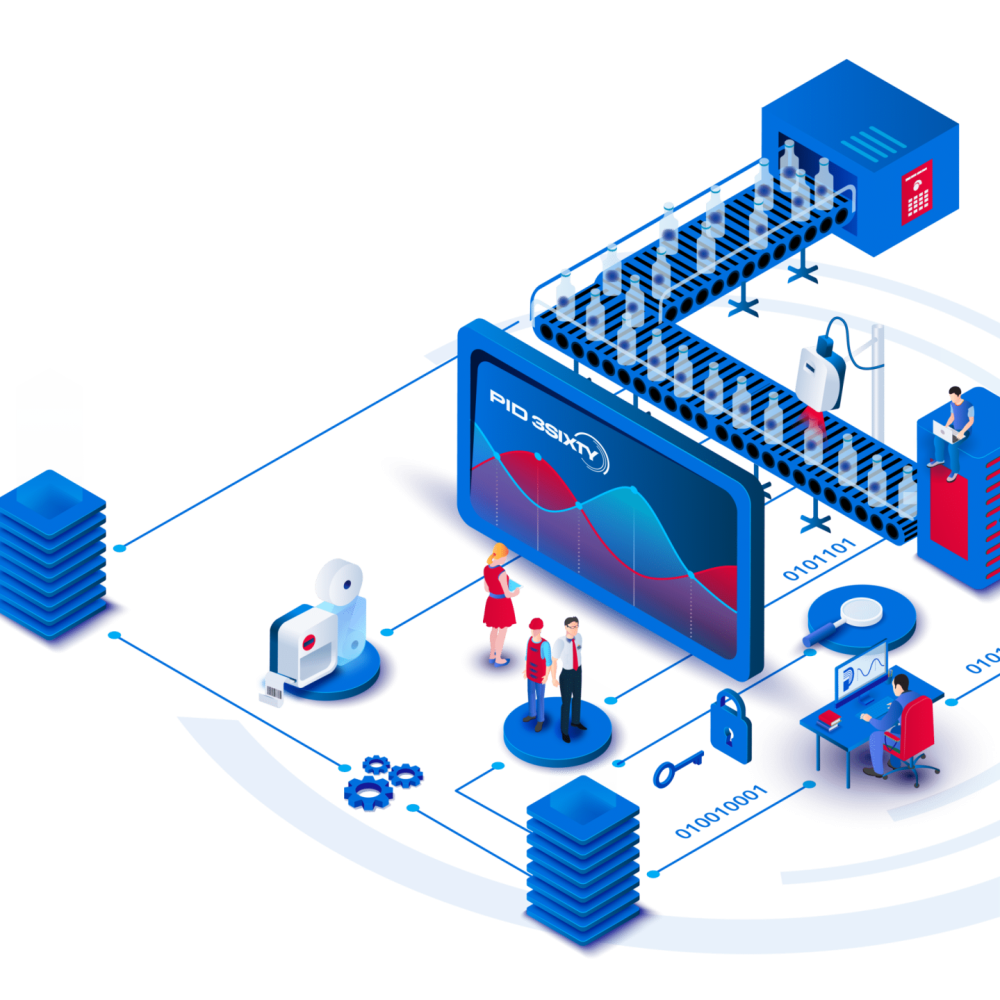
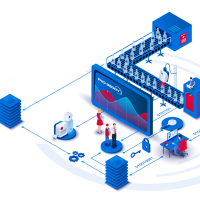
PID 3SIXTY - Integrates fully with manage.ID,monitor.ID and data.IDin the PID 3SIXTY suite